
Key Features
🧠 Manage Your Thoughts
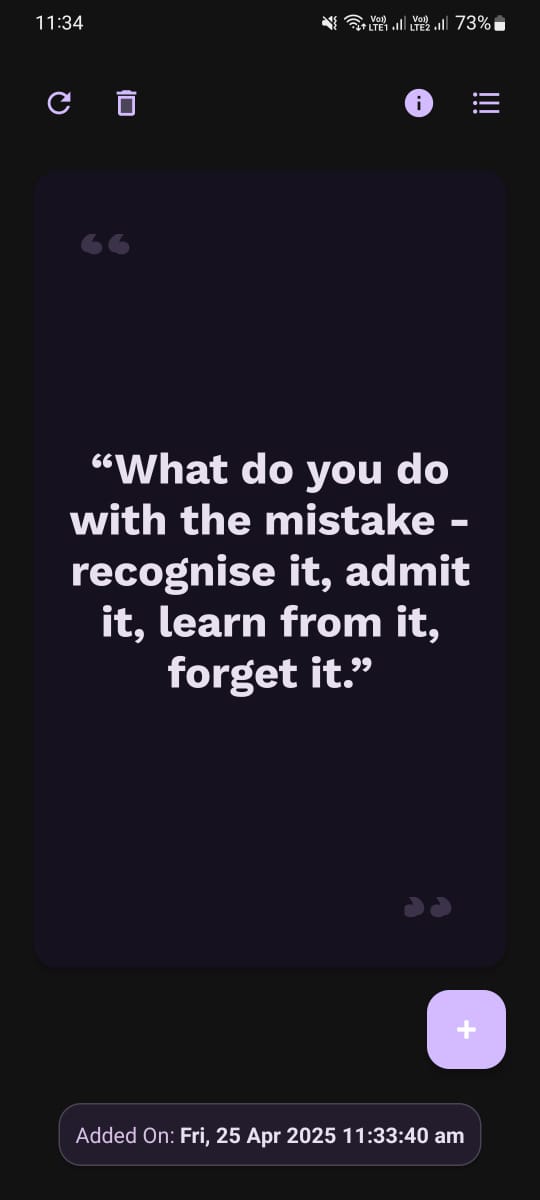
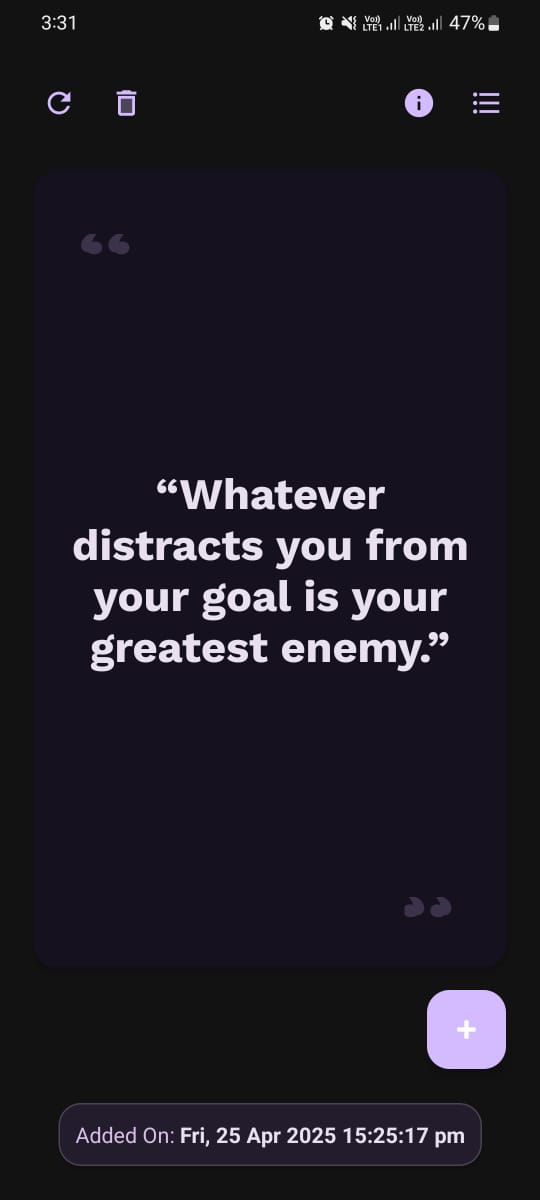
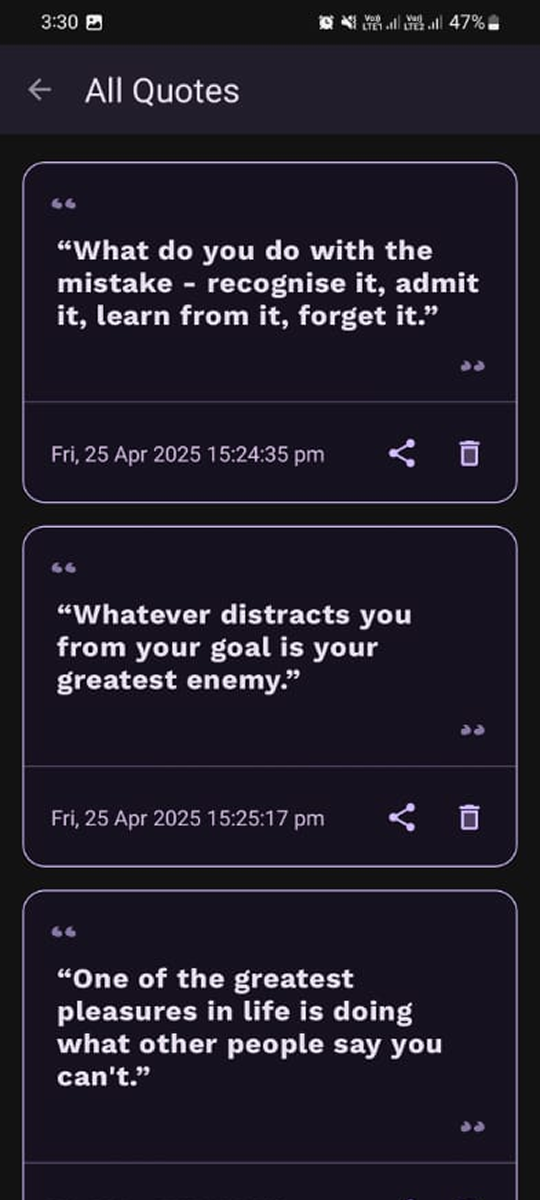
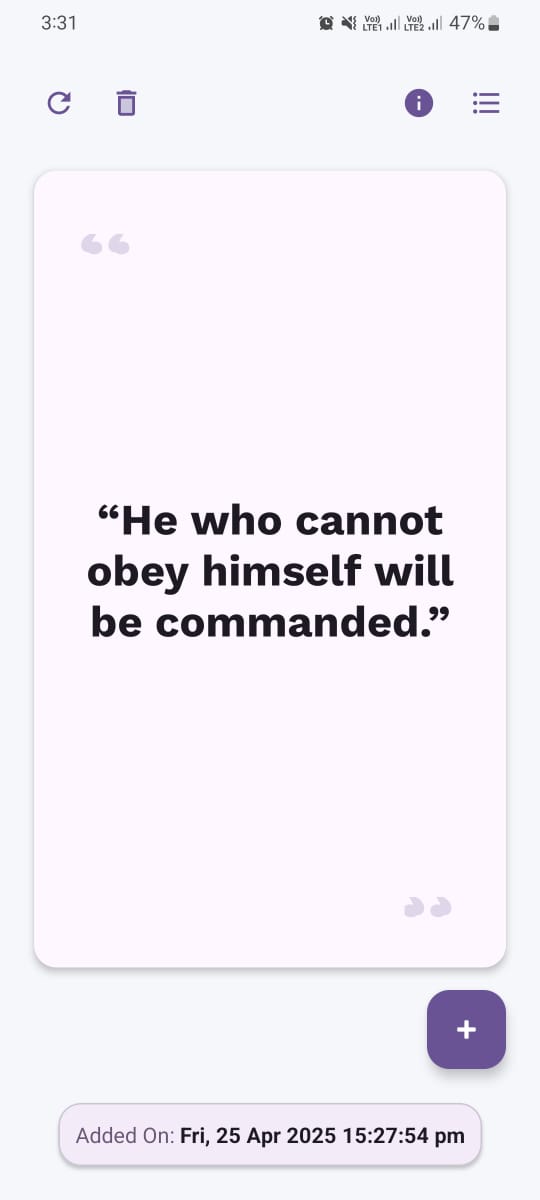
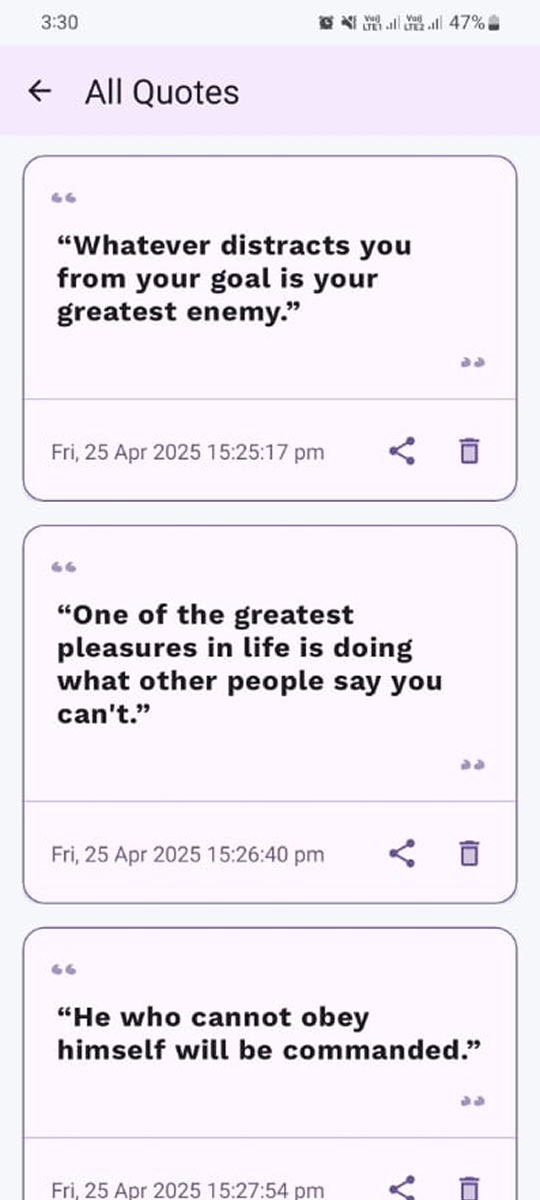
iQuote helps you manage your thoughts by providing a simple way to store and organize inspiring quotes, keeping you motivated throughout the day.
💬 Store Quotes
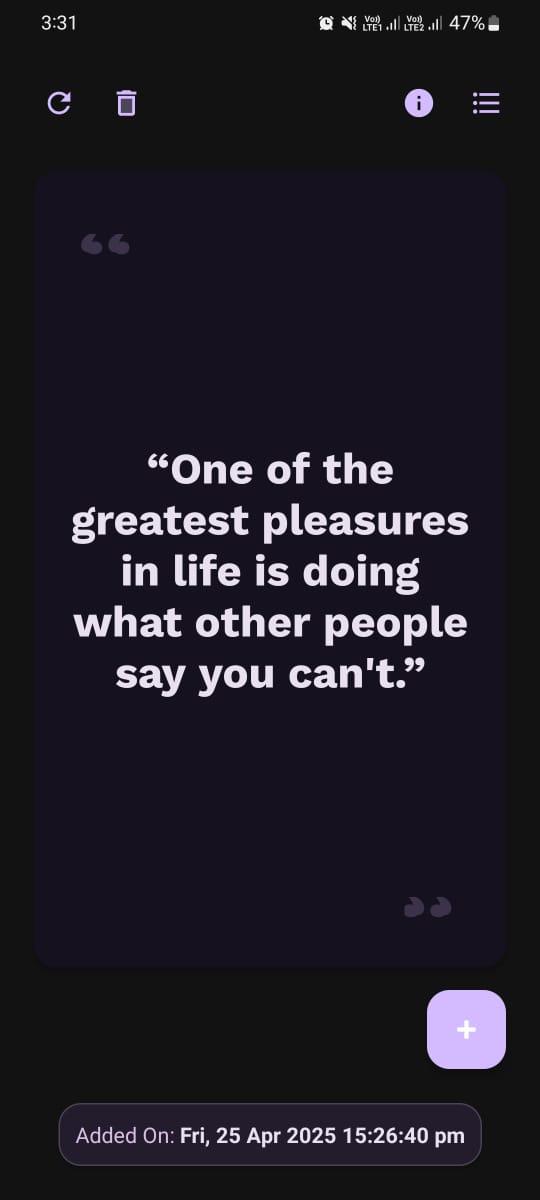
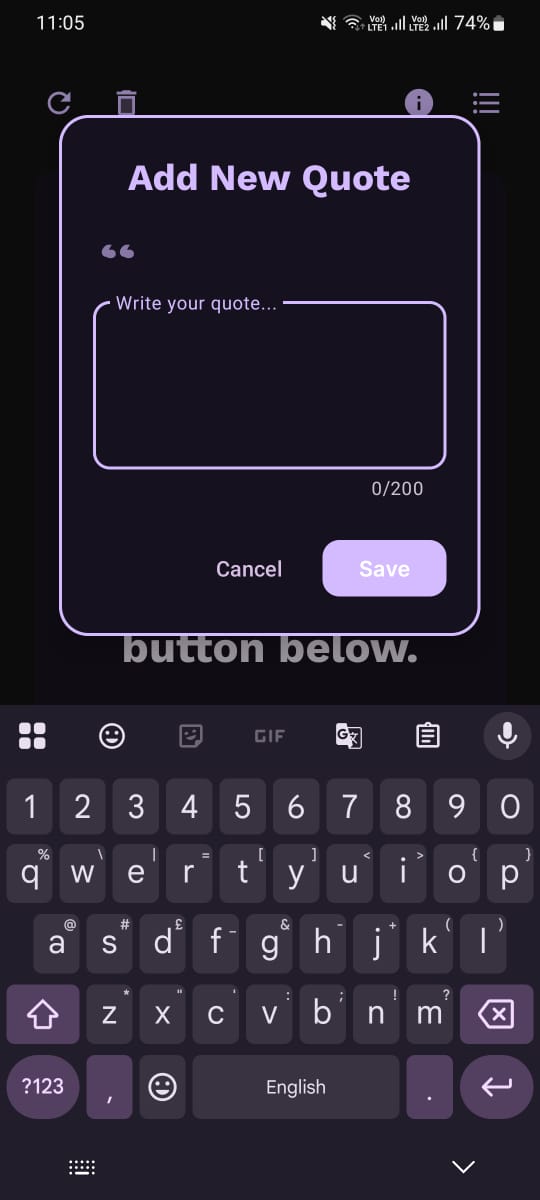
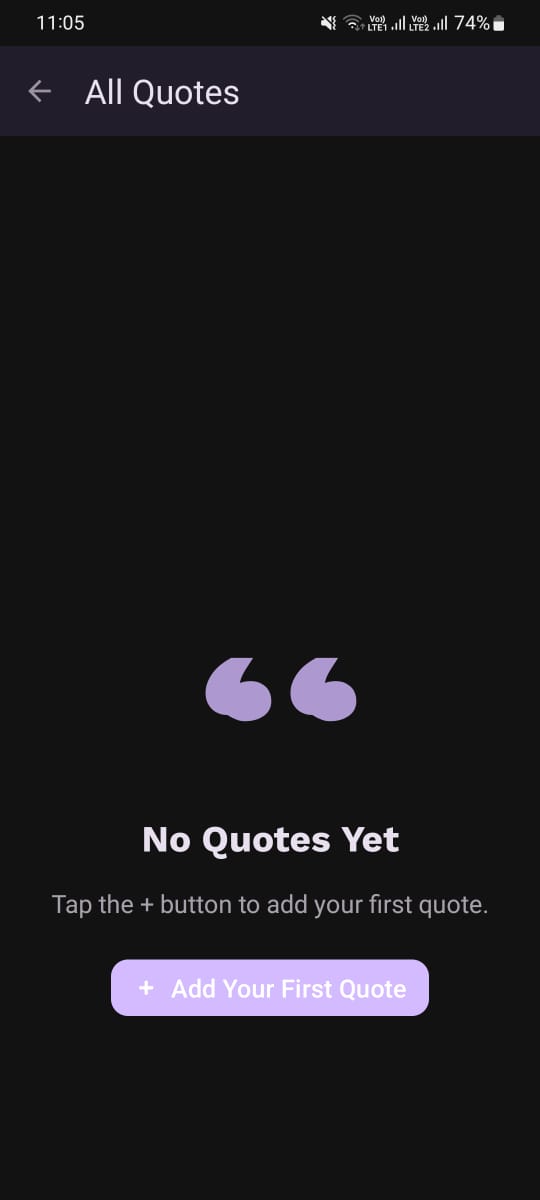
Save your favorite quotes and reminders in one secure place, making it easy to revisit them whenever you need a boost of inspiration.
🌐 Offline Functionality
iQuote works perfectly without the need for an internet connection, allowing you to access your stored quotes anytime, anywhere.
🔒 Secure Storage
iQuote ensures your quotes are safely stored on your device, providing you with peace of mind knowing your data is protected.
🌞 Light Mode
Enjoy a bright and vibrant user interface with iQuote's light mode, offering an energetic and visually appealing experience.
🌙 Dark Mode
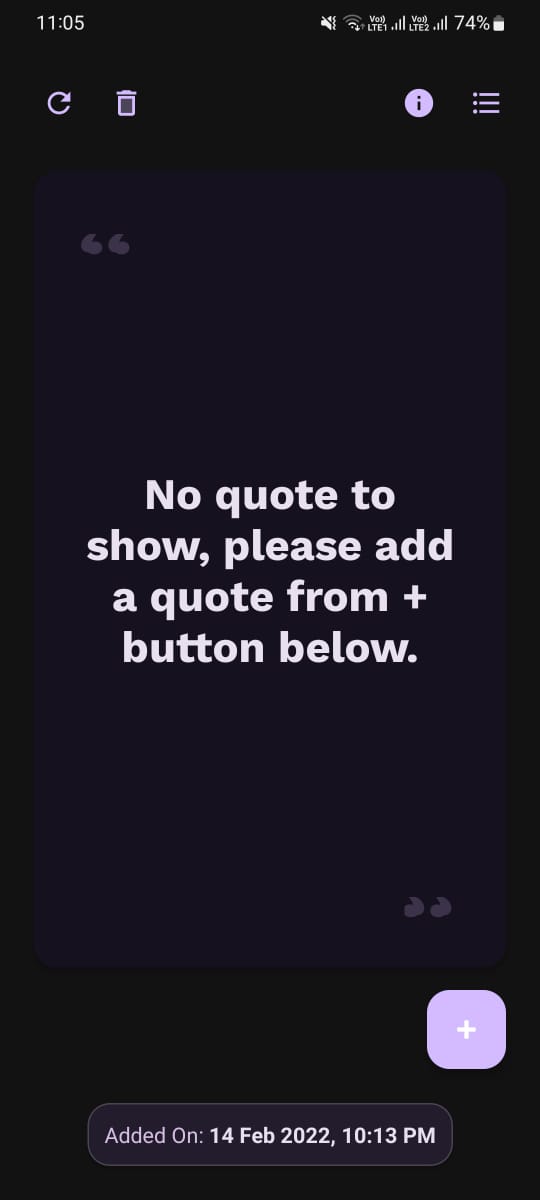
Switch to dark mode for a more comfortable reading experience, especially in low light conditions, reducing eye strain.
About iQuote
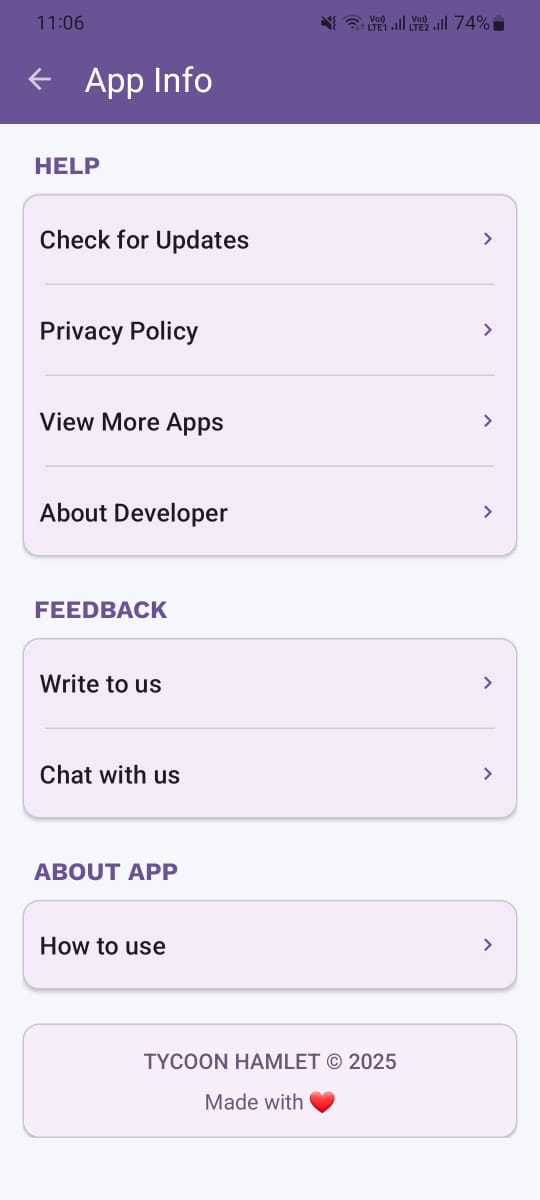
iQuote is a lightweight and intuitive Android app designed to help you store, organize, and revisit your favorite quotes. Whether you're seeking daily inspiration or simply a place to manage your thoughts, iQuote provides a distraction-free interface to add, view, and edit quotes with ease. The app works fully offline and ensures your data stays private by storing everything securely on your device. With both vibrant light and soothing dark modes, it offers a visually comfortable experience for all users. Keep your motivation organized and accessible - anytime, anywhere — with iQuote.
Need help?
Contact support at support@tycoonhamlet.com
Download iQuote
Scan the QR code or tap the buttons below
Scan with your phone camera to download directly
Download on Google PlayApp Policies
Legal information and privacy details
More Apps to Try
Discover more from Tycoon Hamlet



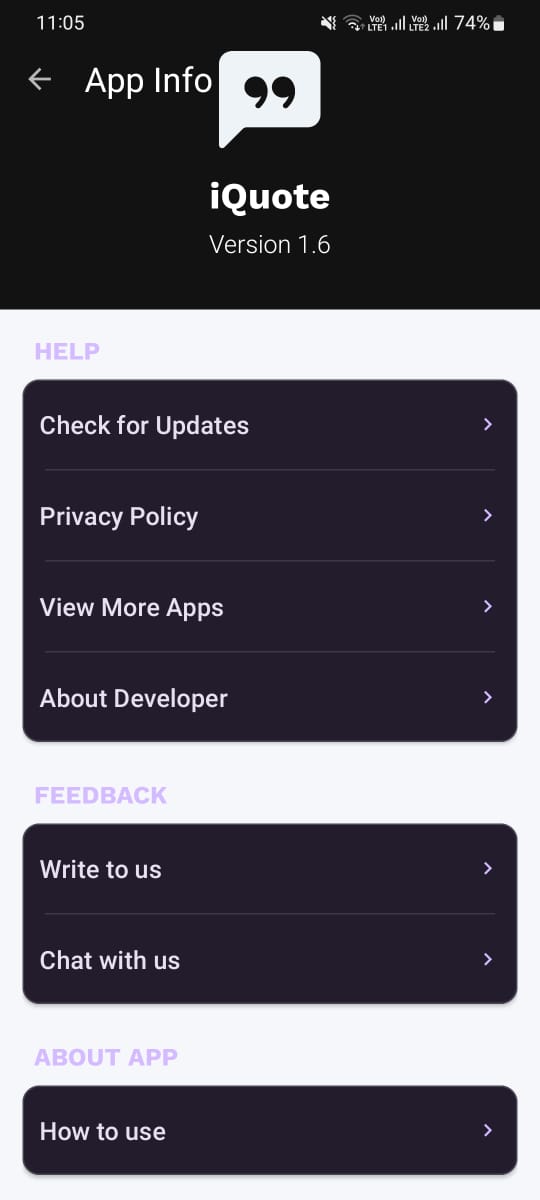
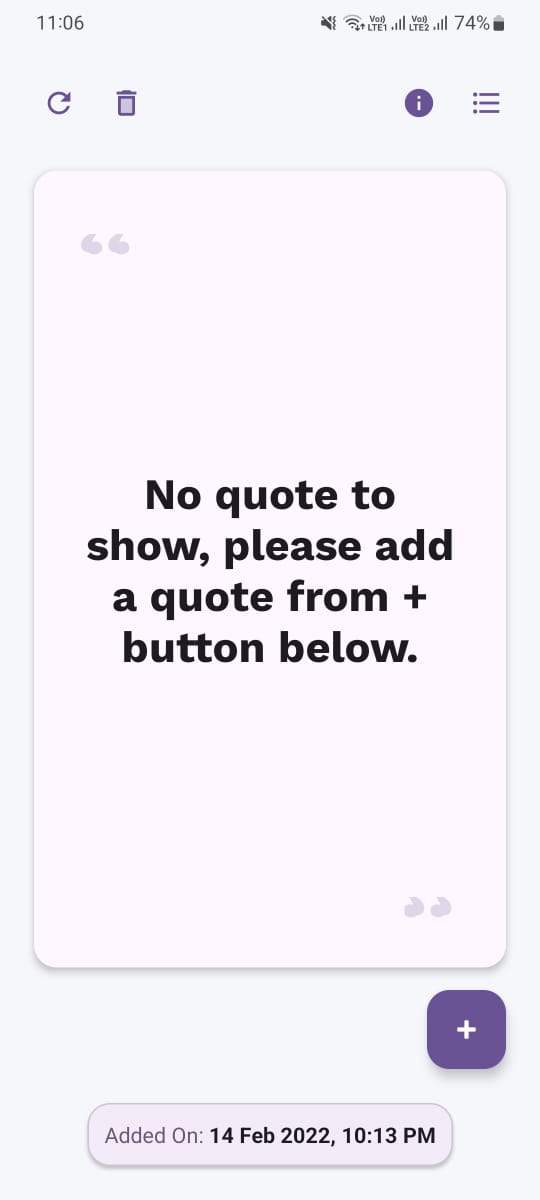
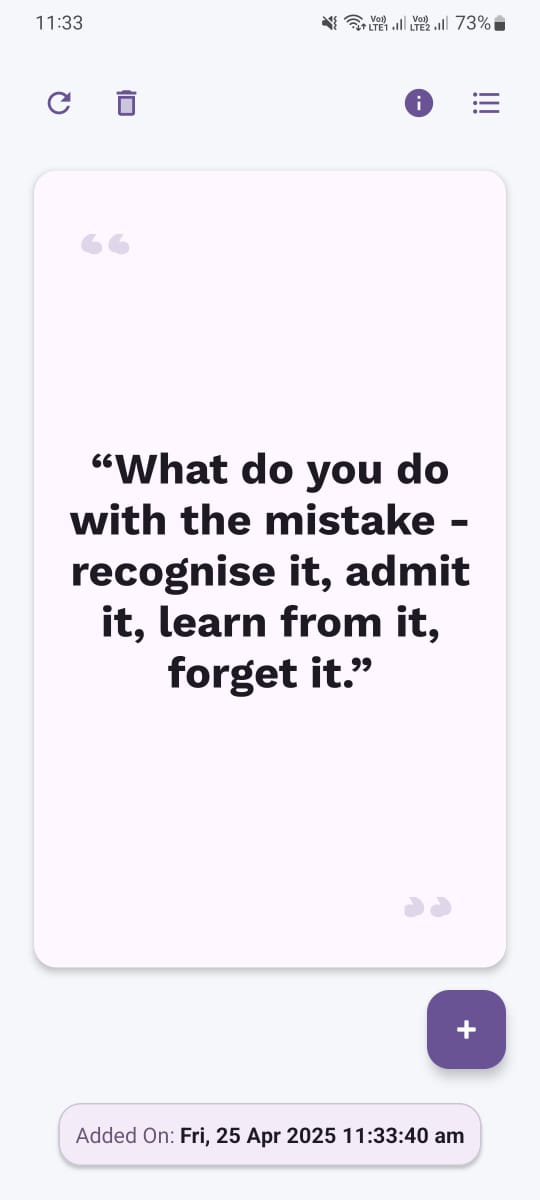
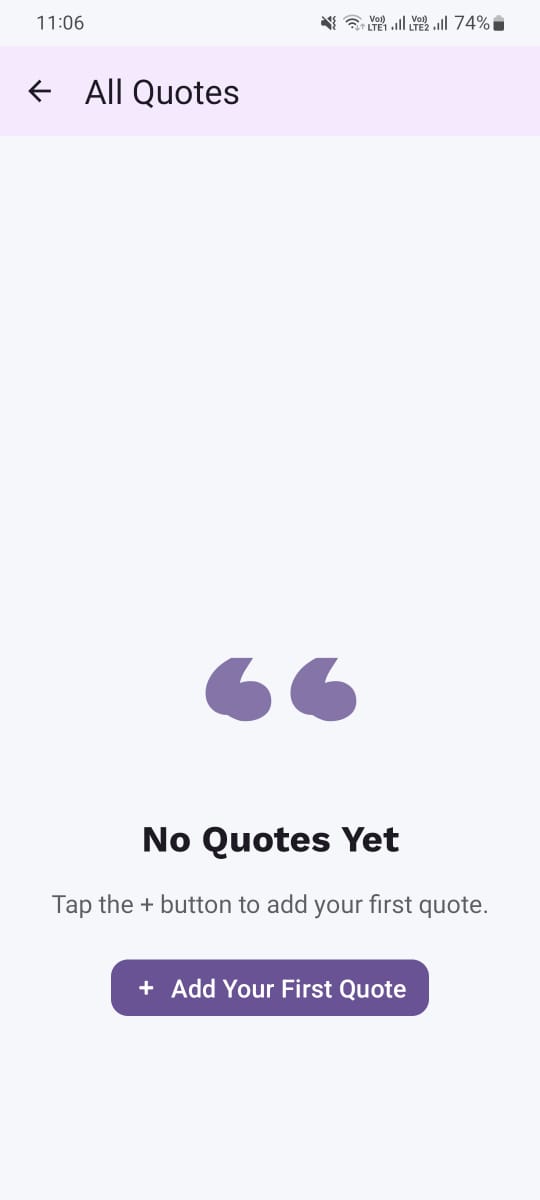
App Screenshots
Stay Updated
Subscribe to our newsletter for the latest app updates, exclusive features, and special offers.
By subscribing, you agree to our Privacy Policy and consent to receive updates from our company.